Published Updated
Bonobi
In brief: Bonobi gives every team member a QA counterpart that handles their share of QA in the background: updating requirements, writing E2E tests, fixing assigned issues, triaging test failures, and reporting release health. TestChimp tracks QA posture and routes each event to the right person's Bonobi. Bonobi proposes and humans approve.
Bonobi is TestChimp's QA bot on Grok, one per team member. It acts as that person's QA counterpart on one project. It receives the project events that matter to its owner (their git pushes, the issues and scenarios assigned to them, test batch results on their branches, releases), proposes the next QA step, and runs it through a TestChimp workflow once the owner approves.
Every team member gets their own Bonobi. Together they form a QA swarm: TestChimp tracks the project's QA posture, decides which Bonobi each event goes to, and keeps a record of what every Bonobi did. QA keeps up with agent-speed development in the background, while each person stays in charge of the decisions that belong to their role.
Why Bonobi
Coding agents made shipping code fast. QA did not get faster at the same rate, and the gap shows up in familiar places:
- Requirements fall behind. Product decisions get made in coding-agent chats and meetings, and the stories and scenarios don't get updated.
- Tests come late or not at all. When a feature is done, writing E2E tests is the step most likely to be skipped.
- Failures go unowned. A red CI batch sits there until someone notices it's theirs.
- Leads fly blind. Release health, coverage gaps and slipping quality only surface when someone goes looking.
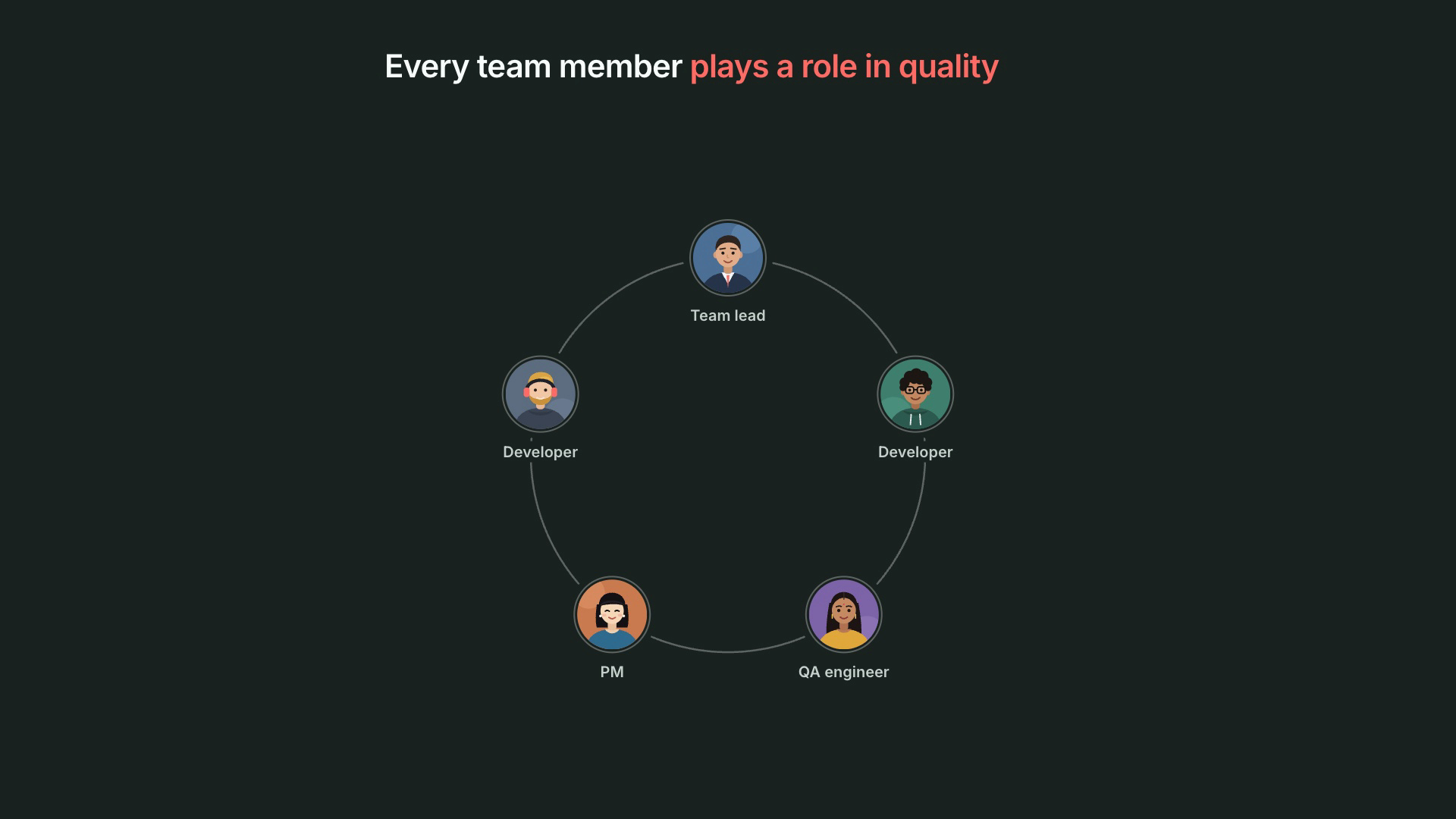
None of this is one person's job. Quality is a team sport: developers, QA engineers, QA leads and PMs each own part of it, and each part slips when people are busy. A single AI testing tool can't fix that, because the responsibilities are spread across roles. Bonobi gives each person an agent that carries their role's quality work.
How Bonobi works
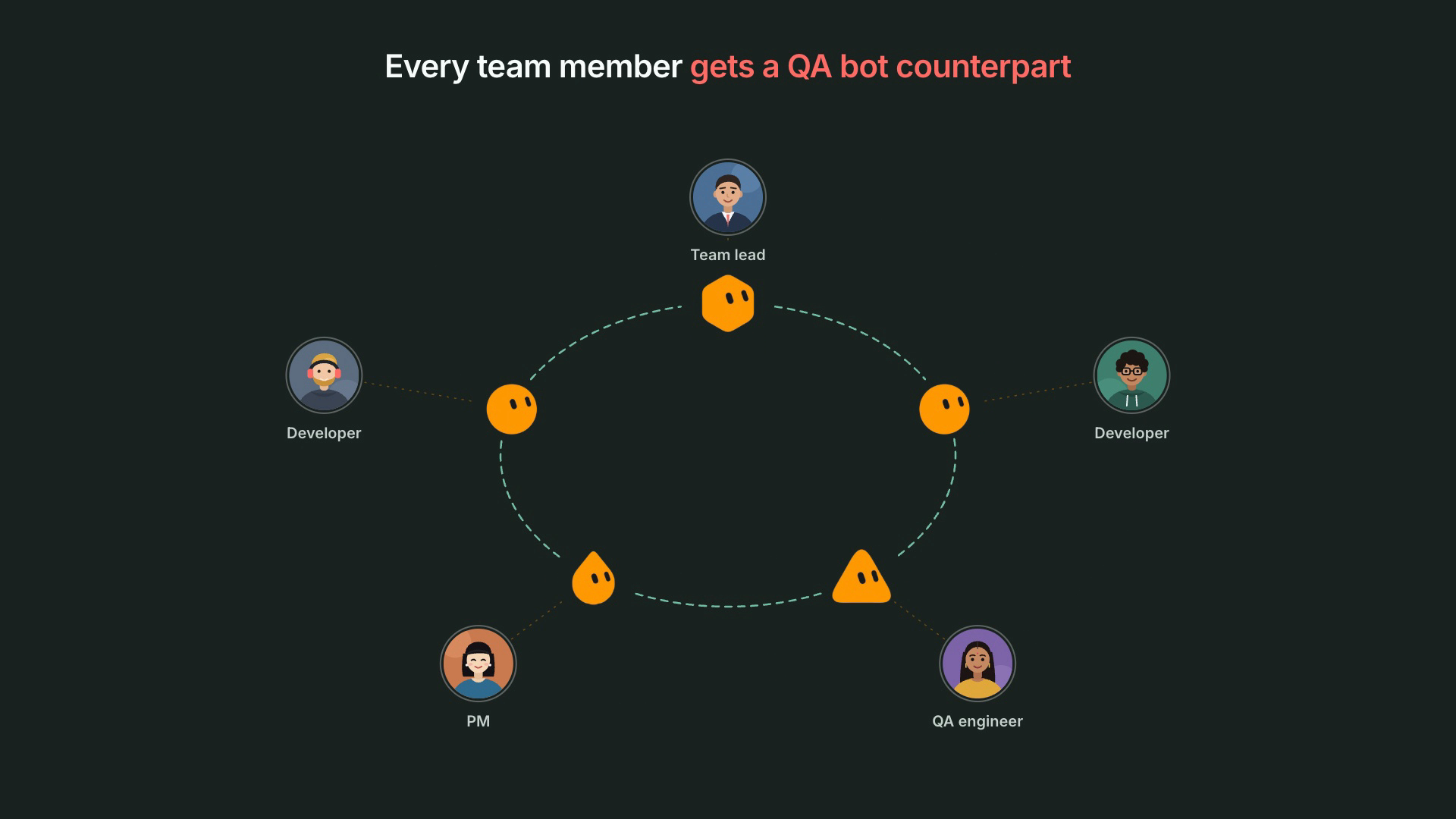
1. Every team member gets a Bonobi
Each person installs their own Bonobi and connects it to the TestChimp project. During a short onboarding conversation it asks for their role and pre-selects the QA work that role usually owns. Bonobi acts only with its owner's permissions and only on the events its owner subscribed to.
2. TestChimp continuously monitors your QA posture
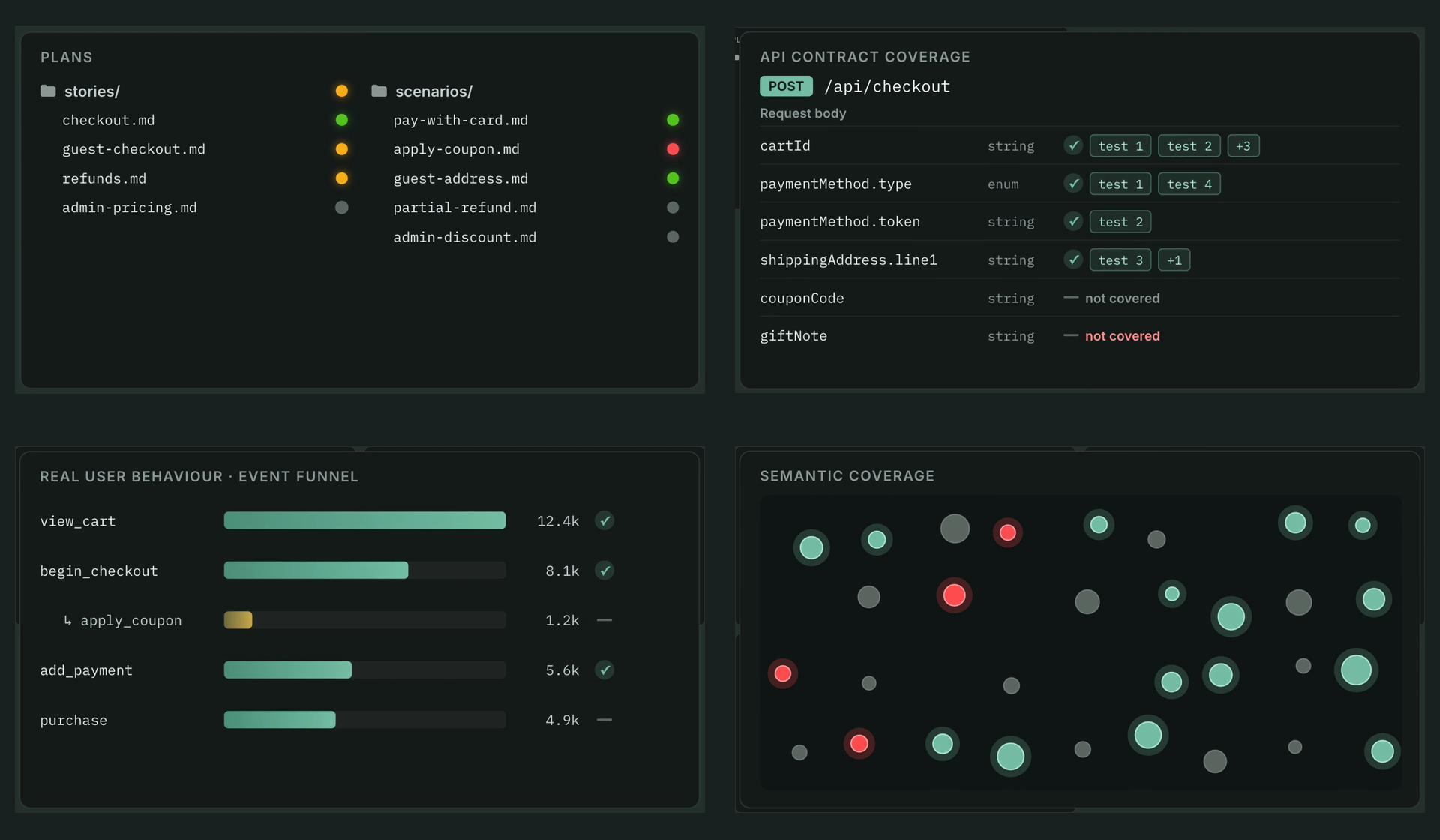
Each Bonobi draws on what TestChimp already knows about your product: the requirements in your repo (stories and scenarios), API contract coverage, real user behaviour from TrueCoverage, semantic coverage, releases, issues, test executions and verified tests. That's why Bonobi can tell you which scenario a push affects, which API fields no test covers, or what's blocking a release, instead of guessing from the code.
3. TestChimp coordinates the swarm
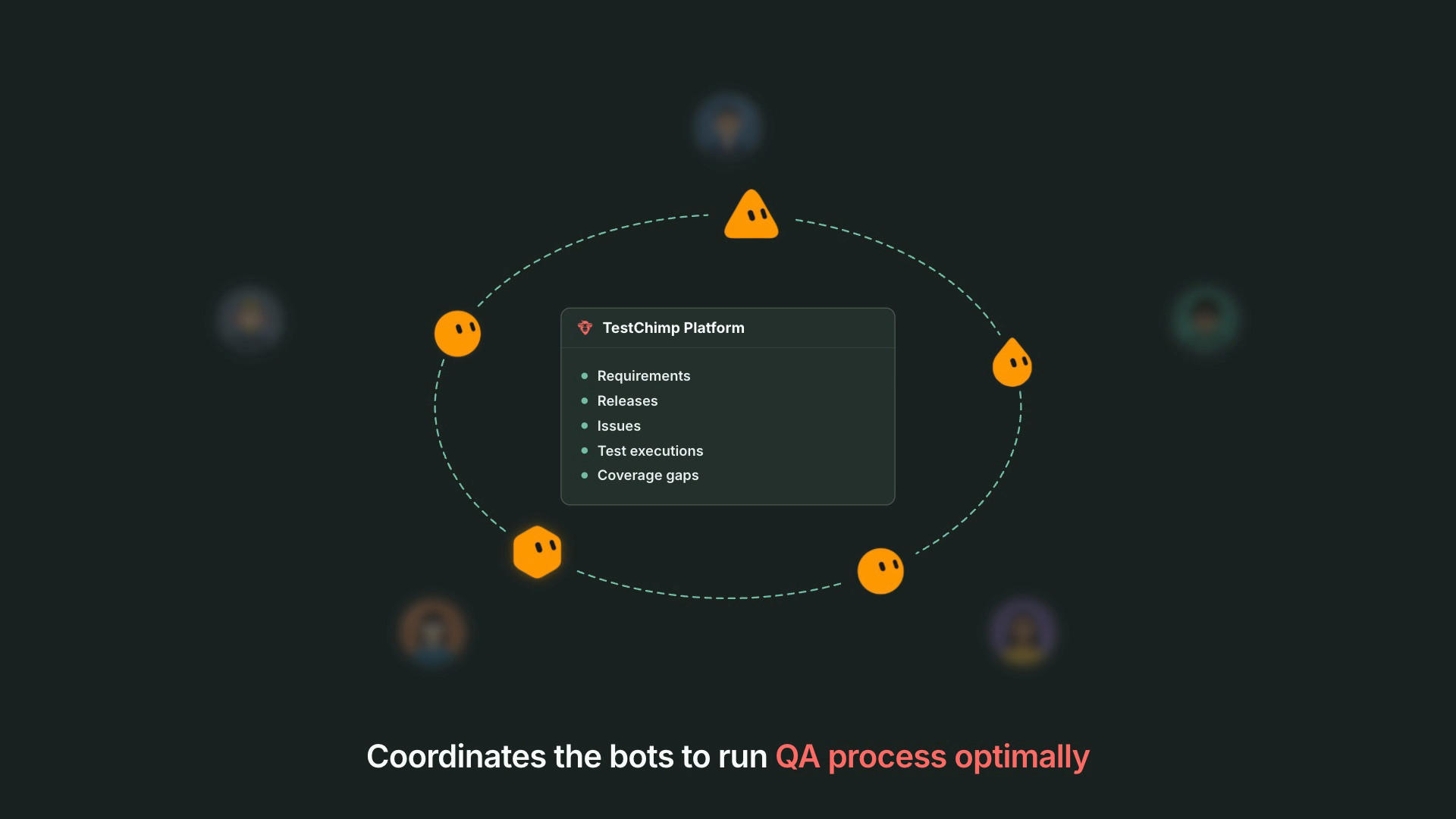
When something happens in the project, TestChimp publishes an event and routes it to the right Bonobi:
- Your events go to your Bonobi. A git push goes to the Bonobi of the person who authored the commits. An assigned issue or scenario goes to the assignee's Bonobi.
- Branch failures go to one owner. A failed E2E or k6 batch goes to the Bonobi of the latest author on that branch, so two Bonobis never fix the same failure.
- Team-wide news goes to everyone who asked for it. Release created or release status changed is sent to every Bonobi subscribed to release health.
Deliveries are paced (events of the same type are grouped over a few minutes) and queued while a Bonobi is offline. Each Bonobi acknowledges every event it handles, and TestChimp keeps an audit trail of what was sent to which Bonobi and which workflows each one ran.
4. Bonobi proposes, people approve
Bonobi never makes a change on its own. For every event it summarises what happened, proposes a next step, and waits for its owner's approval. Approved work runs through the same TestChimp workflows your team already uses (author plans, create tests, fix issue, fix test failures, release check), each with its own plan, approval and report.
What each role's Bonobi does
Role defaults only choose what's pre-selected during onboarding. Anyone can turn any capability on or off.
| Role | Pre-selected capabilities | What Bonobi does in the background |
|---|---|---|
| Developer | Requirement updates, E2E authoring, issue fixes | After a push that looks feature-complete, proposes story and scenario updates from your coding-agent chats (AgentWatch), then offers to write E2E tests for the change. Proposes fix plans for issues assigned to you. |
| QA engineer | E2E authoring, test batch fixes, manual test coordination | Tracks the manual scenarios assigned to you in test runs, offers to walk through or automate them, and triages failing E2E and k6 batches on your branches. |
| QA lead | QA posture, test batch fixes, manual test coordination | Sends go / no-go heads-ups when releases are created or change status, a weekly QA posture digest, and triage for failing batches. |
| Product manager | QA posture, requirement updates | Turns meeting summaries into requirement updates and keeps you informed of release health. |
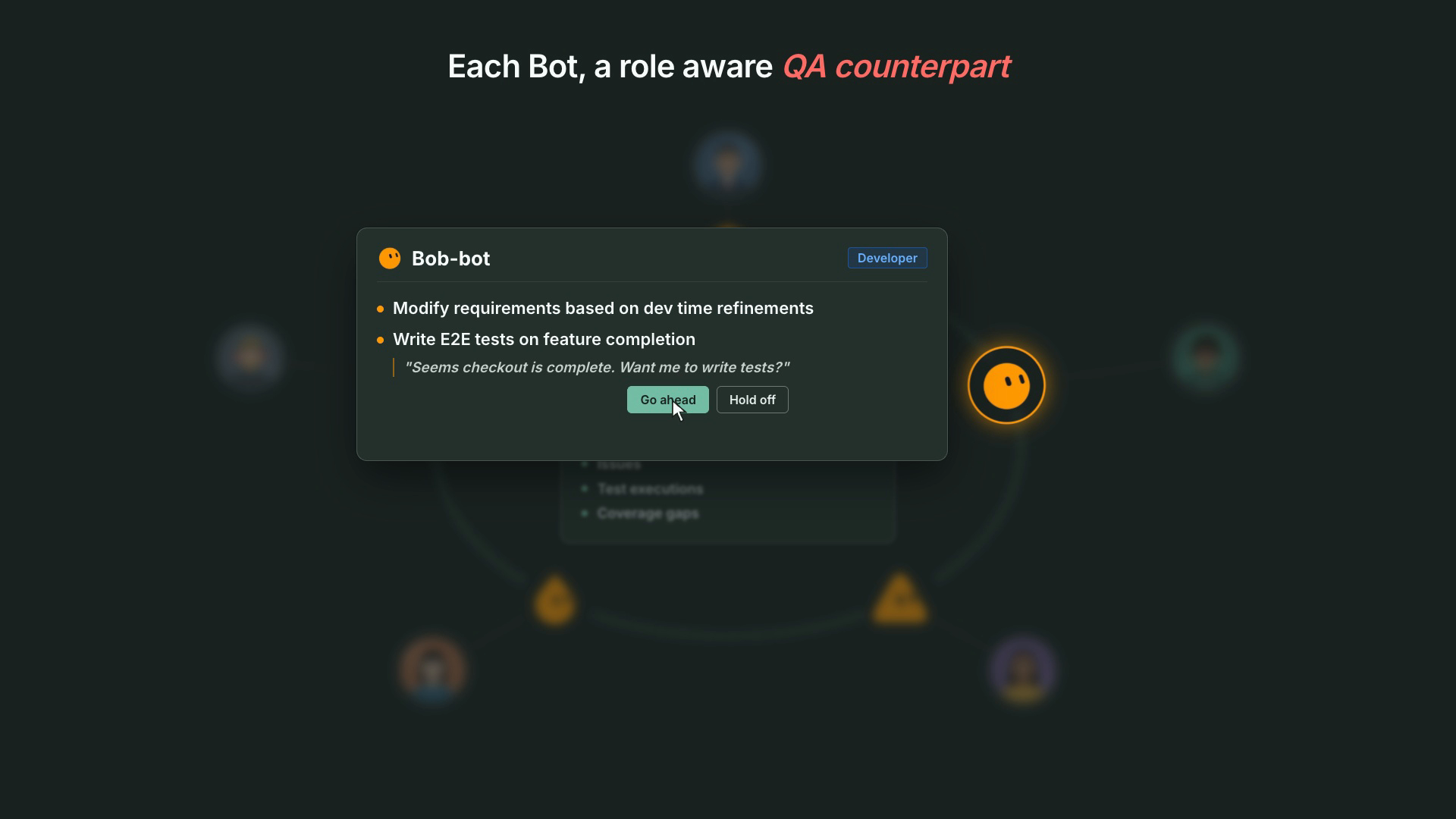
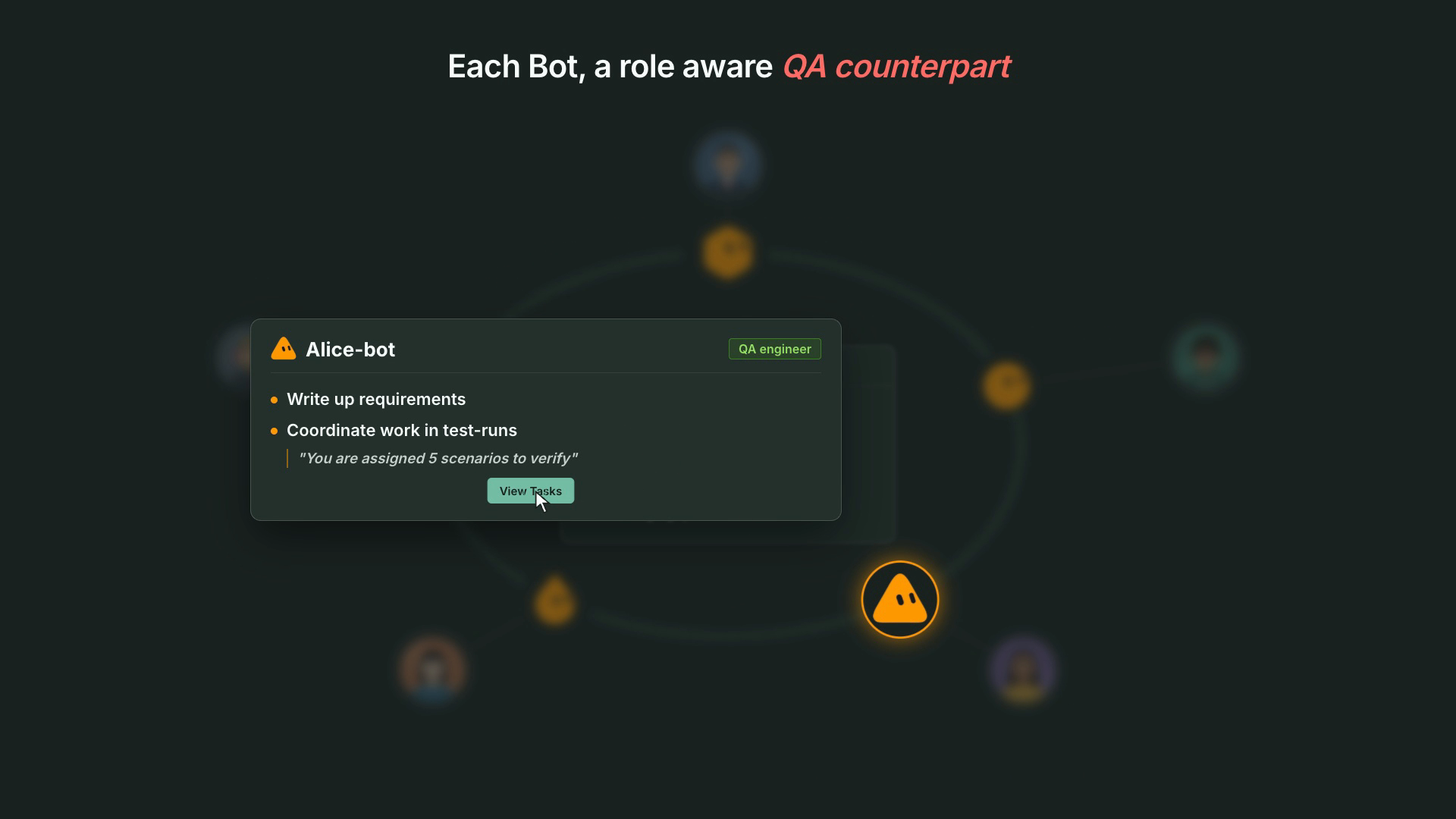
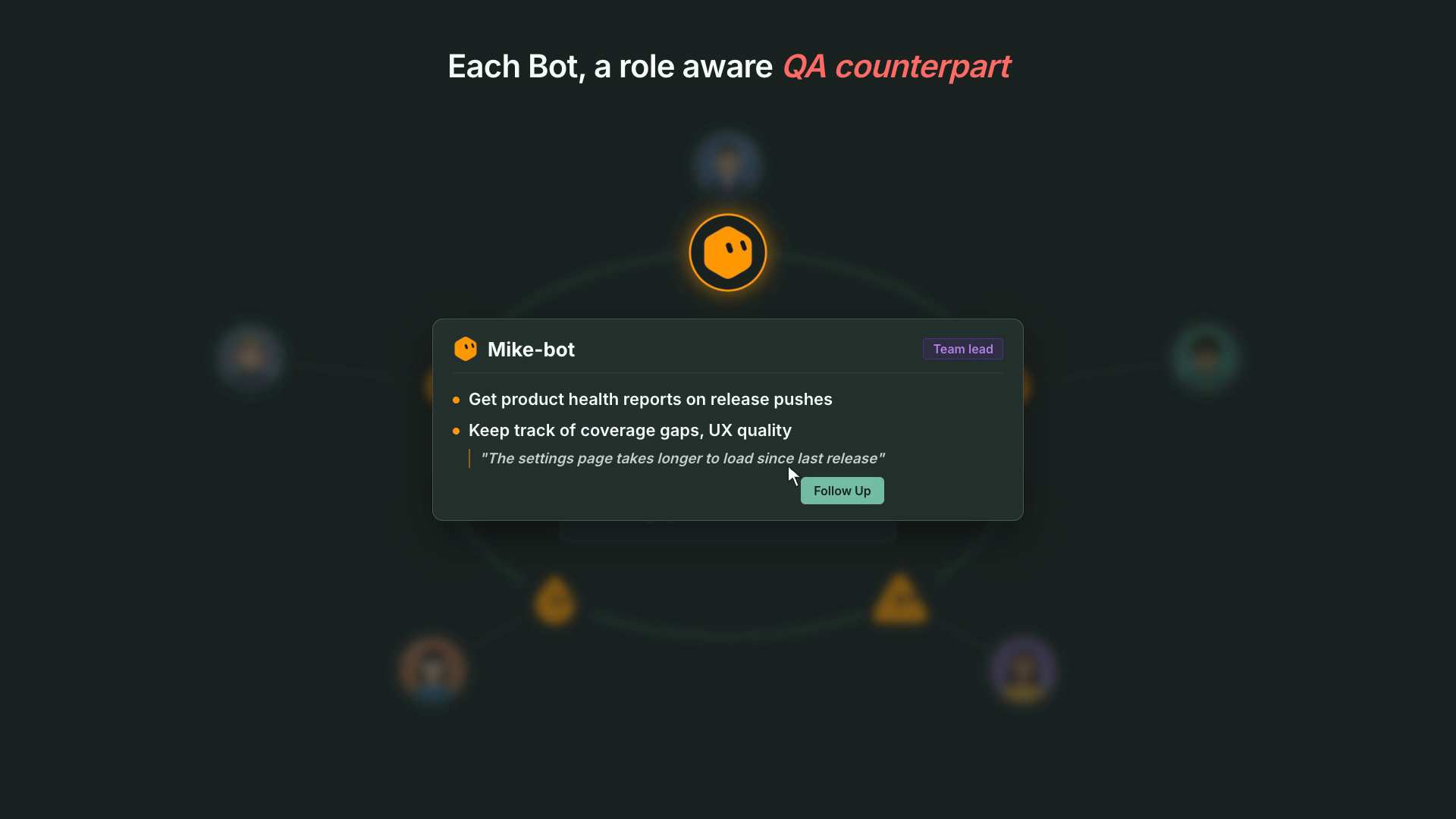
Every Bonobi also runs a few routines: a weekday reminder of what's on your plate (assigned scenarios, issues, tests awaiting verification, workflow executions waiting for your approval), a weekly QA posture digest for leads and PMs, and a daily self-update check.
Guardrails
- Propose, then wait. No issue, scenario, story, test, commit or local command runs without the owner's explicit approval. Read-only lookups and event acknowledgements don't need approval.
- Owner's permissions only. Bonobi acts as its owner, never as another team member. TestChimp's existing access controls apply.
- Full audit trail. Every Bonobi has a unique id. TestChimp records each event delivered to each Bonobi, each acknowledgement, and that id on every workflow execution it ran.
- Your machine stays yours. Local steps (mapping your repo folder, AgentWatch, local test runs) run on your own computer only after you grant Bonobi access, and it asks before running anything that changes your machine.
- Pause anytime. Pause all on your Bonobi's settings page stops deliveries without uninstalling it.
What Bonobi is built on
Bonobi doesn't add a separate QA system. It puts the TestChimp stack you already have to work for each person:
- TestChimp platform: requirements as code, coverage signals, releases, issues and test runs, plus the event routing and audit trail for the swarm.
- The
testchimpagent skill and CLI: the workflows Bonobi runs, the same ones your coding agents use. - Remote MCP over OAuth: how Bonobi connects to your project without pasting API keys.
- AgentWatch: headless on your computer, it turns decisions from your coding-agent chats into requirement-update plans.
- Meeting Bots: meeting summaries Bonobi can turn into requirement updates.
Supported bot hosts
| Host | Status |
|---|---|
| Grok | Available. Install from the Bonobi template. |
| Dots | Coming soon. |
Get started
Installing takes a few minutes per person: add Bonobi from the template, connect it to your project, paste its webhook into TestChimp, and answer the onboarding questions. Follow Install and use Bonobi for the steps and for use cases by role.
FAQ
What is Bonobi?
Bonobi is TestChimp's QA bot on Grok: an AI agent that acts as one team member's QA counterpart on one project. It receives that person's project events (git pushes, assigned issues and scenarios, test batch results, releases), proposes the next QA step, and runs a TestChimp workflow after the person approves.
What is a QA swarm?
Every team member's Bonobi together. TestChimp tracks the project's QA posture, routes each event to the right Bonobi (your pushes and assignments to yours, a failed branch batch to the latest author's, release events to every subscribed Bonobi), and keeps an audit trail of what each one did.
Does Bonobi act without asking?
No. It proposes the next step and waits for its owner to approve before any change, test run, commit, or local command. Read-only lookups and event acknowledgements need no approval.
What does each role's Bonobi do?
A developer's Bonobi updates requirements from coding-agent chats, writes E2E tests when a feature is done, and fixes assigned issues. A QA engineer's Bonobi coordinates assigned manual scenarios and triages failing E2E and k6 batches. A QA lead's or PM's Bonobi sends release go / no-go heads-ups and a weekly QA posture digest. Role defaults are only a starting point.
Which platforms does Bonobi run on?
Grok today, installed from the Bonobi template. Dots support is coming soon.