
Decisions from your calls, kept in your plans.
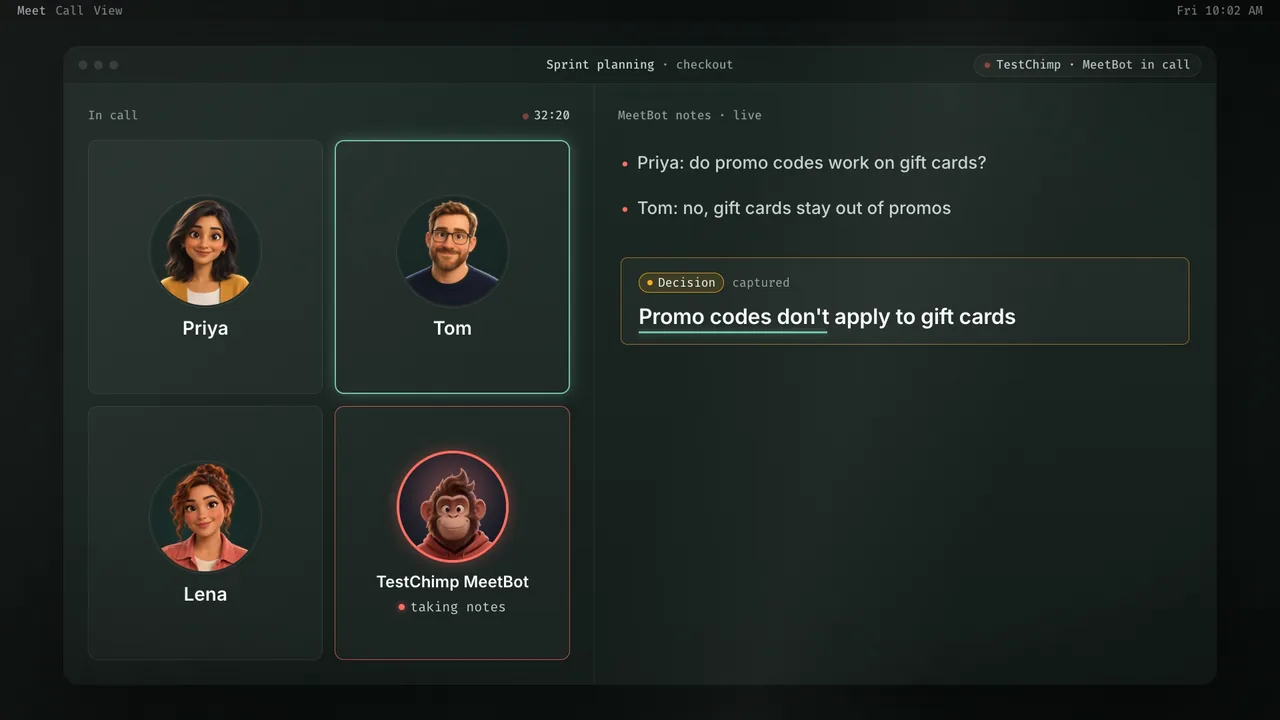
MeetBots join your Google Meet, Zoom, Teams and Webex calls. They capture the decisions, answer questions from your product context in the meeting chat, and hand what was agreed to your agents as stories, scenarios and QA work.
14 days, no credit card.
Problem
The rules changed in a meeting.Nobody told the tests.
Product decisions are made out loud, in sprint planning, design reviews and customer calls. They end up in someone’s memory or a transcript nobody reads, and the tests keep checking last month’s rules.
From meeting to done.
Joins your calls
Decisions, captured.
Takes notes and catalogues transcripts, so knowledge from planning, reviews and client calls stays searchable and tagged.
Meet · Zoom · Teams · Webex
Ask in the meeting
Answers from product context.
Mention the bot in chat for release status, coverage or risks, and assign follow-ups before anyone hangs up.
Your TestChimp project
From call to QA work
Hand it to your agents.
Agreed scope becomes stories and scenarios your coding agents pick up, with the call’s full context, so nobody re-explains it.
Stories, scenarios, workflows
Works where your team is already collaborating.
MeetBots join the calls you already have, on the platforms your team already uses. Nobody installs anything or changes how they meet.
 Google Meet
 Zoom
 Microsoft Teams
 Webex
Tribal knowledge, put to work.
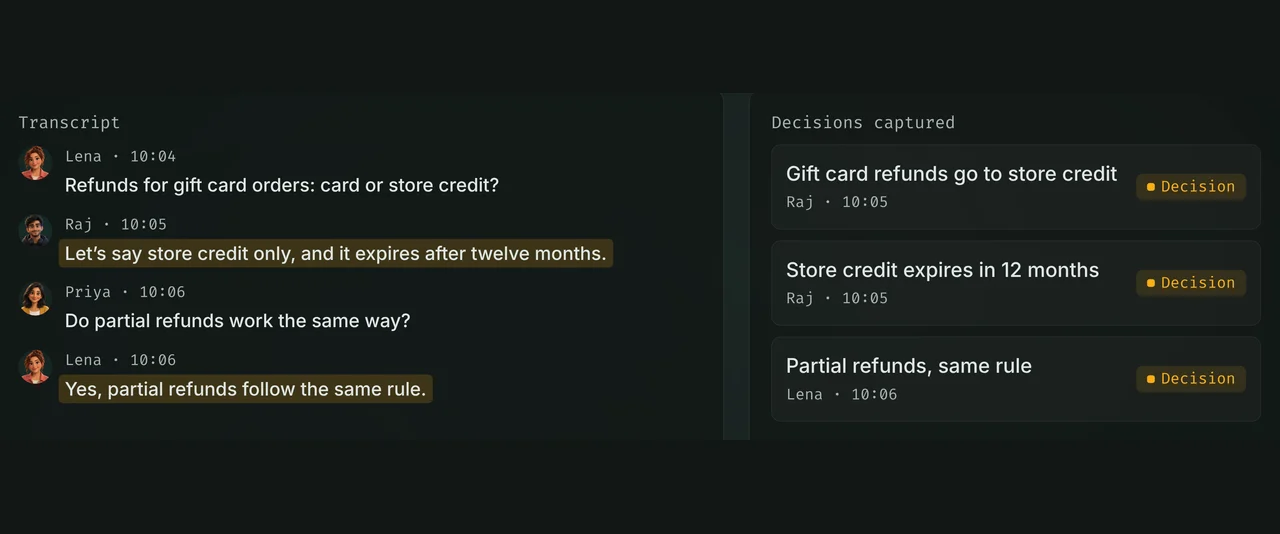
Decisions, captured
MeetBots join, take notes and catalogue the transcript. Decisions that change how the product should behave are picked out and kept with the stories they affect.
Answers in the meeting
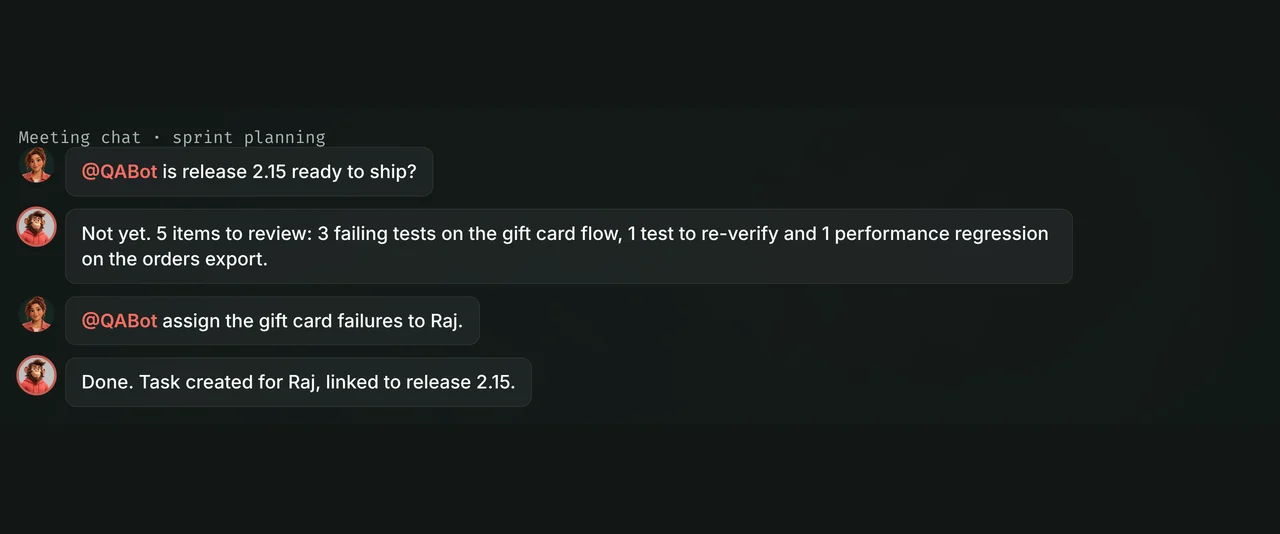
Need release status mid-call, or a follow-up assigned before anyone leaves? Ask the bot in chat. It answers from your TestChimp project, not a generic guess, and creates tasks on the spot.
From call to QA work
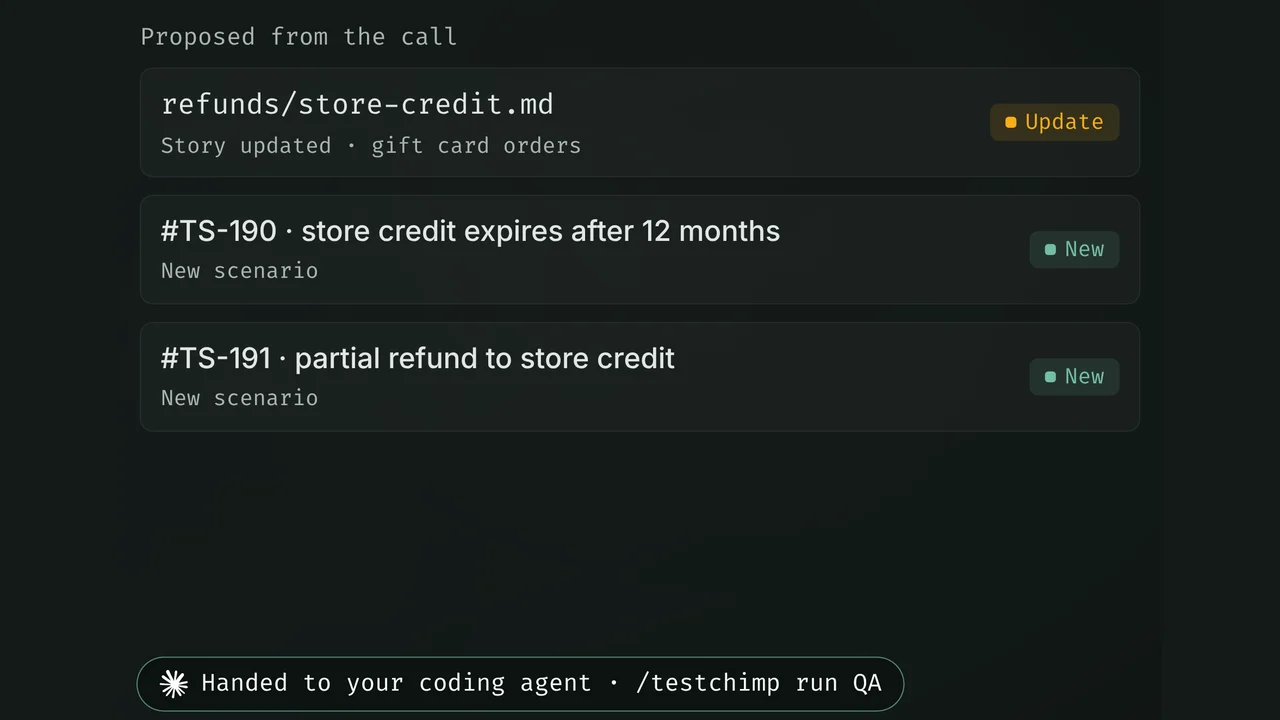
Open a transcribed meeting and hand it to your agents with its full context. Agreed scope becomes stories and scenarios, and your coding agent runs the QA workflows from there, in Claude Code, Cursor or whichever agent you use.
The right bot for each meeting.
Start from seeded bots such as QABot or SalesBot, or define your own with a job role and versioned Markdown guidance.
QABot
Release status and risk.
Answers about coverage, failing tests and what stands between a release and shipping.
SalesBot
Customer calls, captured.
Picks up what customers asked for and what was promised, so it reaches the plan.
Your own
A cautious PM, a QA skeptic.
Bespoke bots with their own policies, so the right agent shows up for the right conversation.
More than a notetaker.
| Meeting notetakers | Manual notes | MeetBots | |
|---|---|---|---|
| Answers from product and QA context in the call | No | No | Yes |
| Decisions become requirement updates | No | Partly | Yes |
| Starts QA workflows from the call | No | No | Yes |
| Transcripts searchable and tagged to stories | Partly | No | Yes |
| Custom bots with their own guidance | Partly | No | Yes |
Meeting notetakers: Otter, Fireflies and similar.
Questions about MeetBots.
What are MeetBots?
How is this different from Otter or Fireflies?
Which meeting platforms are supported?
How do meetings become QA work?
Can I define custom bots?

Let the meeting update the tests.
Send a MeetBot to your next planning call and see what it brings back.
14 days, no credit card.